Add a New User
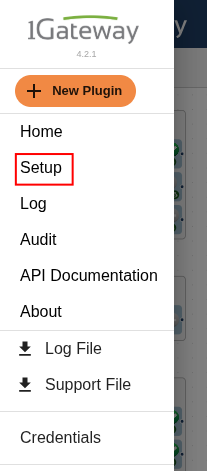
To create a new user, click on the hamburger button, on the top-left corner of the home screen and then select Setup.
In Setup, scroll down to the bottom and click Users.
This will open the user management page where you can view existing users or add new ones.
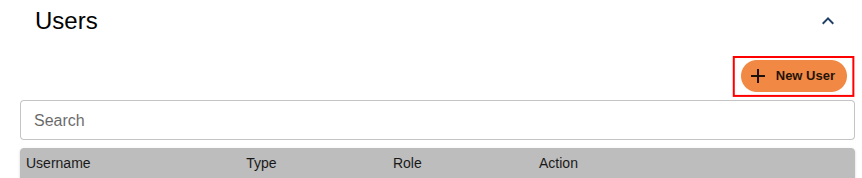
Click Add User, then fill in the required details such as the username, password, and role for the user:
- Admin – full access to manage settings and configurations
- Read-Only – can view data but cannot make changes
- Webhook – used for automated integrations
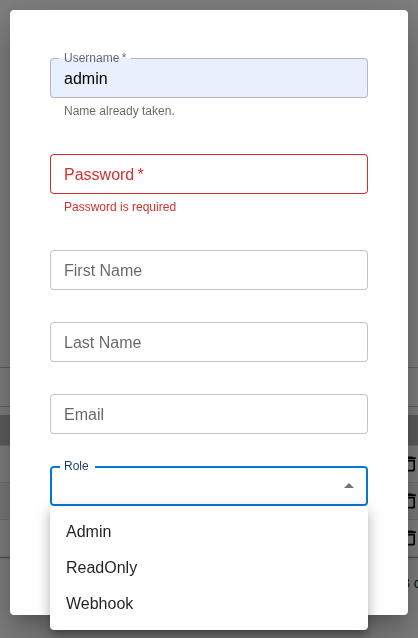
Once the information is complete, click Save to create the new user.